Dental IT services, delivered by Simple Step Solutions

Spend your day with patients, not computers.

Managed IT and cybersecurity for dental practices: 24/7 threat monitoring, encrypted backups, Dentrix and Dexis kept running, and a signed Business Associate Agreement before any work starts. One flat monthly rate per user.
  • In dental offices since 2016
  • Google Partner
  • No hourly billing
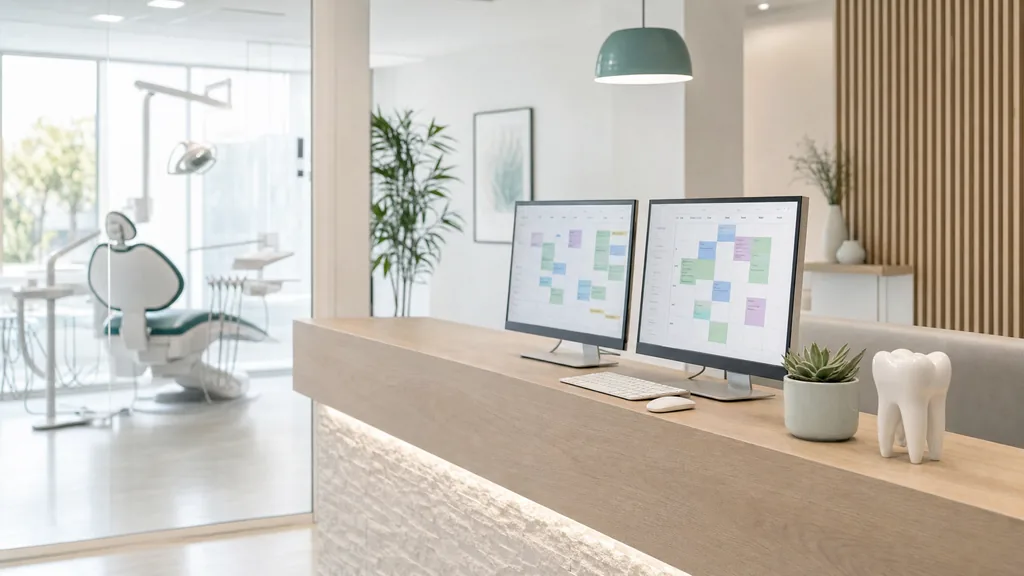
A bright dental practice front desk with two monitors, a keyboard and a tooth model, and a dental chair behind glass
  • Google Workspace sign-in, email and files
  • Huntress 24/7 threat detection
  • Backblaze encrypted cloud backup
  • Ubiquiti networking and Wi-Fi
  • Dentrix and Dexis supported
  • HIPAA BAA signed first

Sound familiar?

Where practice IT quietly fails

Most practices don't have anyone whose job is IT. These are the problems that grow in that gap.

The imaging computer is slow

When an X-ray takes minutes to open, the computer usually isn't the problem. It's more often a failing disk, a missing antivirus exclusion or a slow network path, and nobody looks because nobody owns it.

Nobody has tested the backup

Plenty of backups faithfully copy the workstations and miss the practice management database. It tends to surface on the morning you need it.

One email can close the office

Ransomware needs one person to open one attachment on a computer that can reach the server. Per-person access, a segmented network and round-the-clock monitoring keep that from becoming a shutdown.

How the protection works

Security works in layers

Think Swiss cheese. Every layer has holes, but stack the right ones and an attack that slips through one is caught by the next. Most small practices are running on a single thin slice.

  1. 1 Two-step sign-in A stolen password alone doesn't get anyone in, admin console included.
  2. 2 Automatic updates Known holes in Windows, Mac and drivers get patched in the background.
  3. 3 24/7 monitoring Security analysts watch for anything that slips past, day and night.
  4. 4 Encrypted backups If something still gets through, the practice restores instead of paying.
  5. 5 Phishing training Your team learns to spot a malicious email before anyone clicks.

The Technology Success Plan

One plan covers your practice's IT

One flat monthly fee per user. No hourly billing and no surprise invoices.

Support from a person

Call or open a ticket and talk to someone who knows your setup, not a queue that goes quiet. Most problems are fixed remotely, often in minutes.

Analysts on watch

24/7 threat monitoring

Security analysts watch every managed computer around the clock, to catch ransomware before it can run.
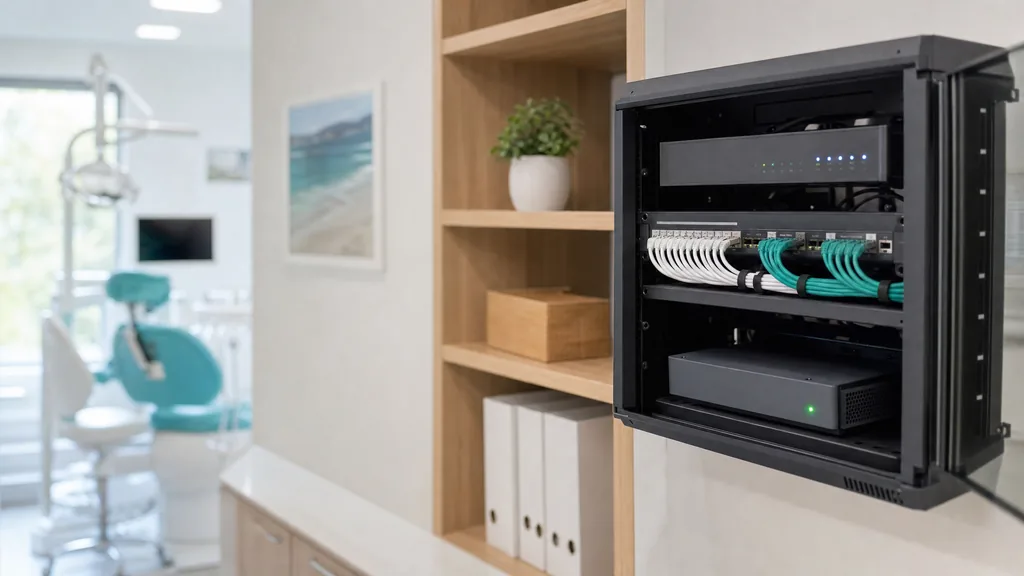
A tidy network cabinet with a switch, neatly bundled cables and a backup unit with a green status light

Encrypted, tested backups

Automated, encrypted cloud backups and a disaster recovery plan, with a restore path someone has actually tested.

Automatic updates

Windows, Mac and driver updates install quietly in the background, including the machines under your clinical software.

One secure login per person

Each person signs into their Windows PC with their own Google account. No shared passwords, and access ends in one step when someone leaves.

Secure remote access

Reach your workstations and files securely from home, so you can review a case with a colleague without driving in.
Also in the plan

  • Google Workspace administration
  • New hires set up, leavers shut off
  • Phishing training for your team
  • DNS filtering
  • A client portal for tickets
  • Licenses passed through at cost
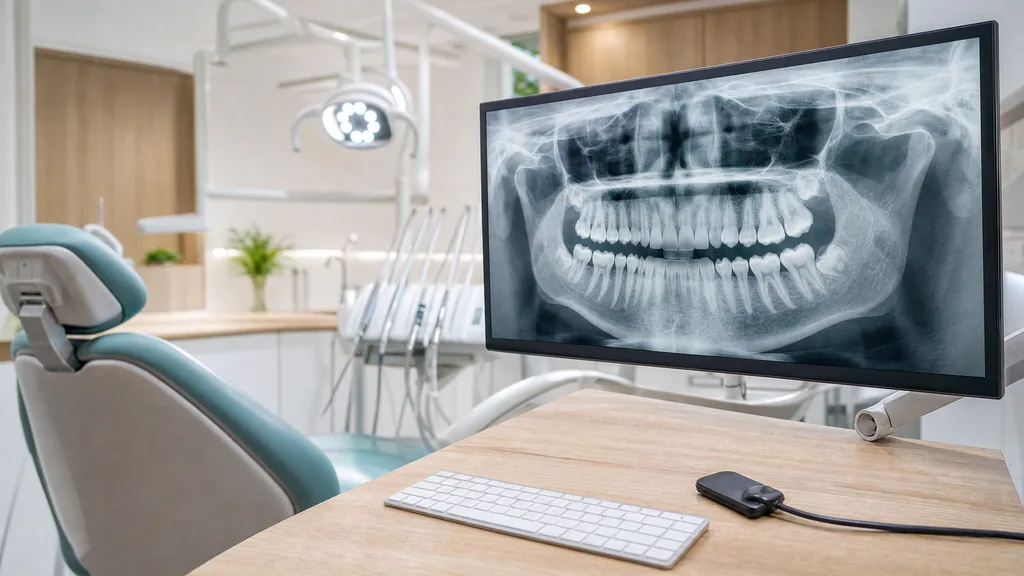
A dental operatory with a panoramic X-ray on a monitor beside the chair and an intraoral sensor on the counter
Dentrix: supported
Imaging PC tuned

Dental software

Built around the software you already use

Your clinical software stays as it is.

Imaging software
Dentrix, Dexis and your imaging software Security tools are set up with your practice management vendor's requirements in mind, so they don't slow imaging or void your vendor support agreement.
Server
Keep your server if you need one If your clinical software needs a server in the office, it stays, and it's monitored, patched and backed up like everything else.
Windows
Keep your Windows PCs Your team keeps the Windows programs the practice depends on. Google sign-in and the security tools go underneath them.
Migration
Moving off Microsoft 365? If you'd like your email and files on Google Workspace, the move is scoped and quoted as its own project. It usually takes one to two weeks, and your team keeps working throughout.

HIPAA

HIPAA-ready IT, set up on purpose

People hear HIPAA and picture a binder. For a practice your size, most of what it asks of your technology is configuration, not paperwork. It needs someone to set it up deliberately and keep it that way.

  • A signed Business Associate Agreement Signed before any work starts. Anyone who can reach patient data needs one, your IT provider included.
  • Access per person No shared logins. Each person can reach what their role needs, and access can be removed in a single step.
  • An audit trail A record of who signed in, from where and what they opened. A breach investigation will ask for it.
  • Encryption at rest and in transit Including the laptop that goes home at night and the backup that leaves the building.
  • A breach clock you can meet Logging is in place before anything goes wrong, so you can work out what happened in time to notify patients.

Your practice's own policies, risk assessment and staff training are part of HIPAA too. The plan covers the technology side.

How getting started works

From the first call to fully managed in about two weeks.

  1. 01

    Free assessment

    A 15-minute call about your practice: what you run, what worries you and whether it's a fit. You come away with a real price.

  2. 02

    Onboarding

    About two weeks. Monitoring and security tools go onto your computers in the background while your team keeps working, and anything risky is flagged.

  3. 03

    Cutover

    You pick the date with your IT partner. Security settings are switched on, and your team gets everything it needs to start.

  4. 04

    Ongoing

    One number to call and one portal to track it all. Nothing is left unmanaged.

One flat rate per user, per month

No hourly billing, so your IT partner earns more when your systems stay up, not when they break. Your headcount and how many workstations and servers you run set the price.

Per user, per month
Flat
Hourly billing
None
Third-party licenses
At cost, itemized
Your real price
After a 15-minute call

Delivered by Simple Step Solutions

We offer IT services through Simple Step Solutions, a managed IT provider based in Yorktown, New York. It's a Google Partner and has worked in dental offices since 2016.

  • On site: Westchester, Putnam, the Hudson Valley and Fairfield County, Connecticut
  • Remote support: anywhere in the U.S.

Fifteen minutes, no pitch

Book a free IT assessment

Tell us about your practice and we'll set up a short call. You'll learn where your security stands, and if we're not the right fit, we'll say so.

What the assessment looks for

  • Admin accounts that can be reached without two-step sign-in
  • Whether someone could send email that looks like it came from your practice
  • Which outside apps can reach your practice's files

No commitment, and no IT knowledge needed.

Protect your practice

It takes about a minute. We'll reach out to set up your call.

Optional
What worries you most? Optional
Optional

Free, with no commitment. See our privacy policy.

FAQ

Frequently Asked Questions

What practice owners ask before they switch IT providers.

How much does dental IT support cost?

It's one flat monthly fee per user, with no hourly billing. Your headcount and how many workstations and servers you run set the number, and third-party licenses are itemized and passed through at cost. The free 15-minute assessment gets you a real figure.

Is a Business Associate Agreement included?

Yes. Our IT partner signs one before any work starts. It's part of onboarding for every practice, not an add-on.

Will security tools slow down Dentrix or our imaging software?

They're configured around your practice management vendor's requirements, so they don't slow imaging or void your vendor support agreement. Our IT partner has worked in dental offices since 2016.

Our imaging workstation is painfully slow. Can that be fixed?

Usually, and it's usually not the computer. A failing disk, a missing antivirus exclusion or a slow network path are the common causes, and it's one of the first things checked.

Our software needs a server in the office. Is that a problem?

No. The server stays, and it's monitored, patched and backed up like everything else. Nothing moves to the cloud that your software can't support.

Do we have to switch to Google Workspace?

No. Your Windows computers stay either way, and one-time projects work on any platform. The managed plan is built around Google Workspace, though, so practices on Microsoft 365 get the most from it after a move. That move is scoped and quoted as its own project and usually takes one to two weeks.

Do you work with practices outside New York?

Yes. Most support happens remotely, so practices anywhere in the U.S. can sign up. On-site visits cover Westchester, Putnam, the Hudson Valley and Fairfield County, Connecticut. Farther away, on-site help is worked out on the call.

How long does it take to get started?

About two weeks. Monitoring and security tools go on quietly in the background, so your team keeps working, and you pick the cutover date with your IT partner.